





Artificial Intelligence is completely reshaping the way creators produce videos. From automatic editing and script generation to realistic voiceovers and smart effects, AI tools are making the process faster, easier, and more creative.
Whether you’re a designer, marketer, or content creator, these AI video editing tools can help you save hours and elevate your storytelling.
What Makes AI Video Editors So Powerful?
AI-powered video software doesn’t just help you trim clips — it analyzes your content, generates ideas, and enhances visuals automatically. These tools can:
Remove silences and background noise
Create captions and subtitles automatically
Generate voiceovers with human-like quality
Edit long videos into short viral clips
Suggest transitions and effects based on context
Let’s explore the best AI video editing tools of 2026 that every creative professional should try.
You May Also Like:
- Best GPT-Powered Tools to Boost Your ChatGPT Experience
- High quality Paper textures and backgrounds
- Best Screen Fonts for creating impressive designs
1. Runway ML
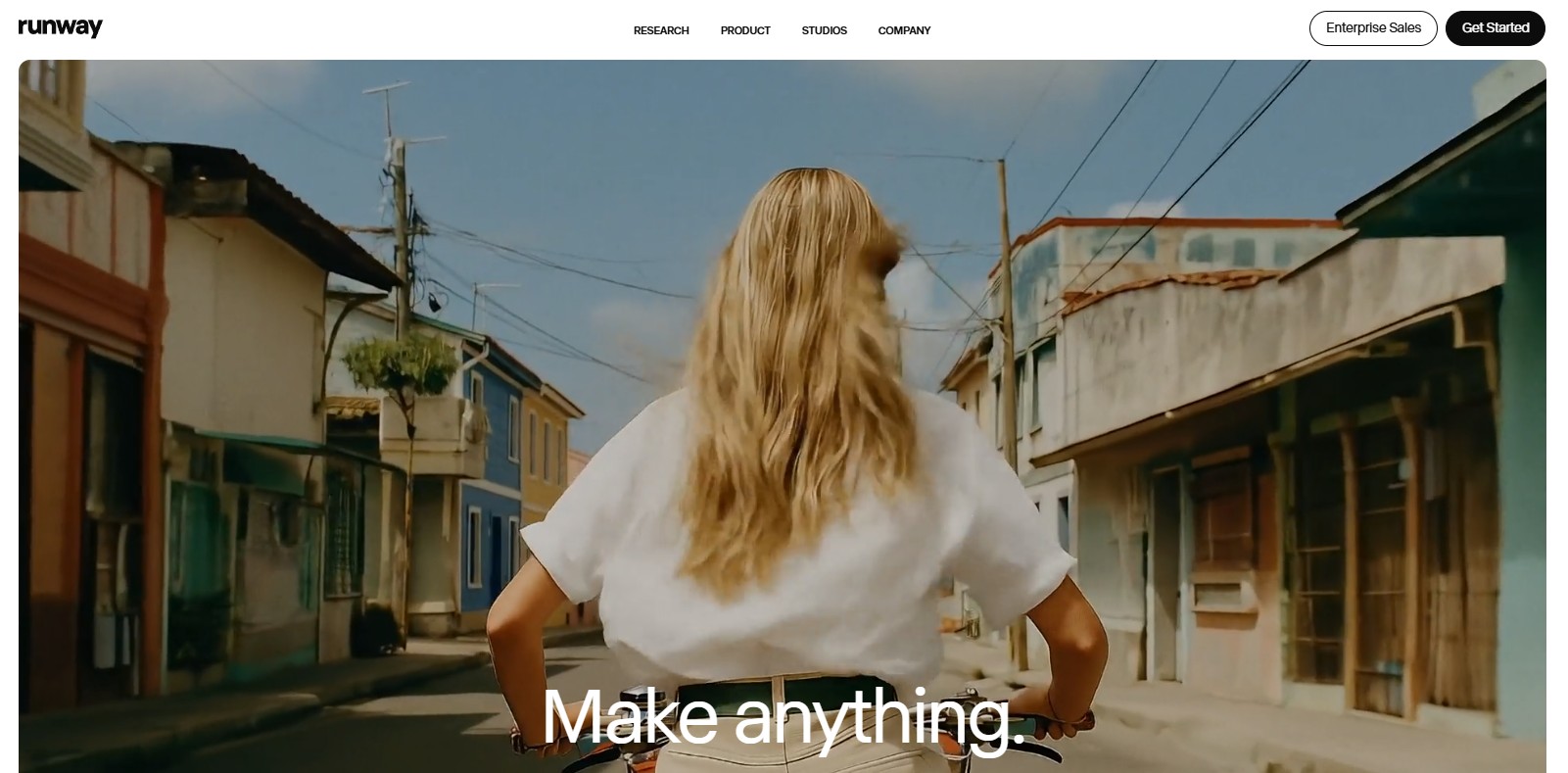
Runway ML is one of the most advanced AI video platforms available. It allows users to remove backgrounds, extend scenes, and generate completely new visuals with text-to-video AI. Its intuitive interface and real-time editing features make it a must-have for designers and filmmakers alike.
Best for: advanced creators and design professionals.
Key features:
Text-to-video generation
Background removal and motion tracking
Collaboration tools for teams
2. Pika Labs
Pika Labs is revolutionizing animation and short-form video creation. Simply describe a scene in text, and Pika transforms it into a moving video with cinematic style. The platform’s community is booming with creative experiments and visual storytelling.
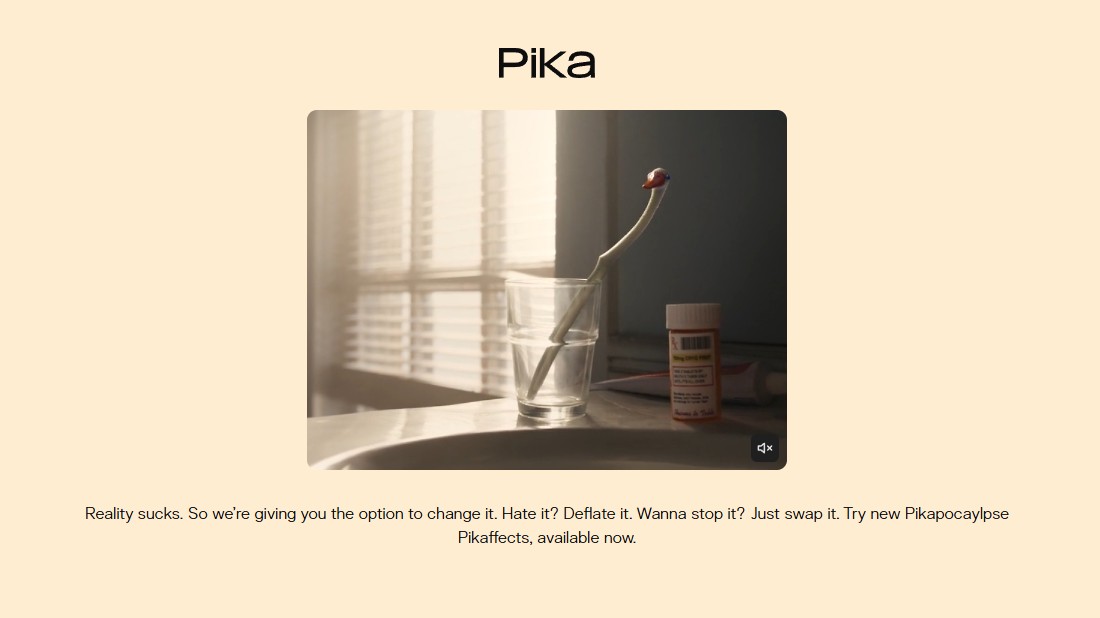
Best for: creators who love stylized, cinematic outputs.
Key features:
Realistic motion generation
Style presets and camera controls
Constant AI model updates
3. Synthesia
Synthesia helps you create professional videos without cameras or actors. You can choose from hundreds of AI avatars, select a voice, and type your script — the platform turns it into a realistic talking-head video in minutes.
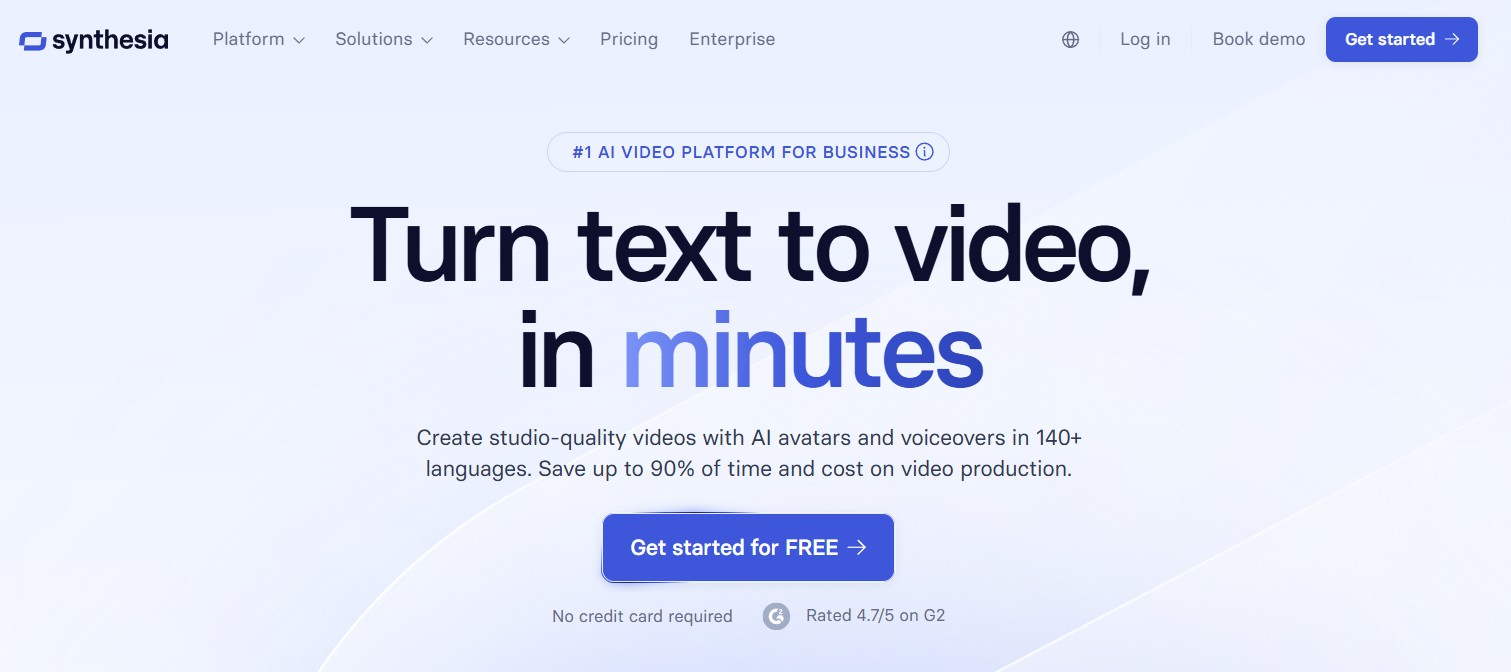
Best for: explainer videos, corporate training, and tutorials.
Key features:
140+ AI avatars and 120+ languages
Custom avatar creation
Script-to-video automation
4. Descript
Descript is the perfect hybrid between video editing and podcast production. It automatically transcribes your footage, allowing you to edit video by editing text — simply delete words, and Descript removes them from the video.
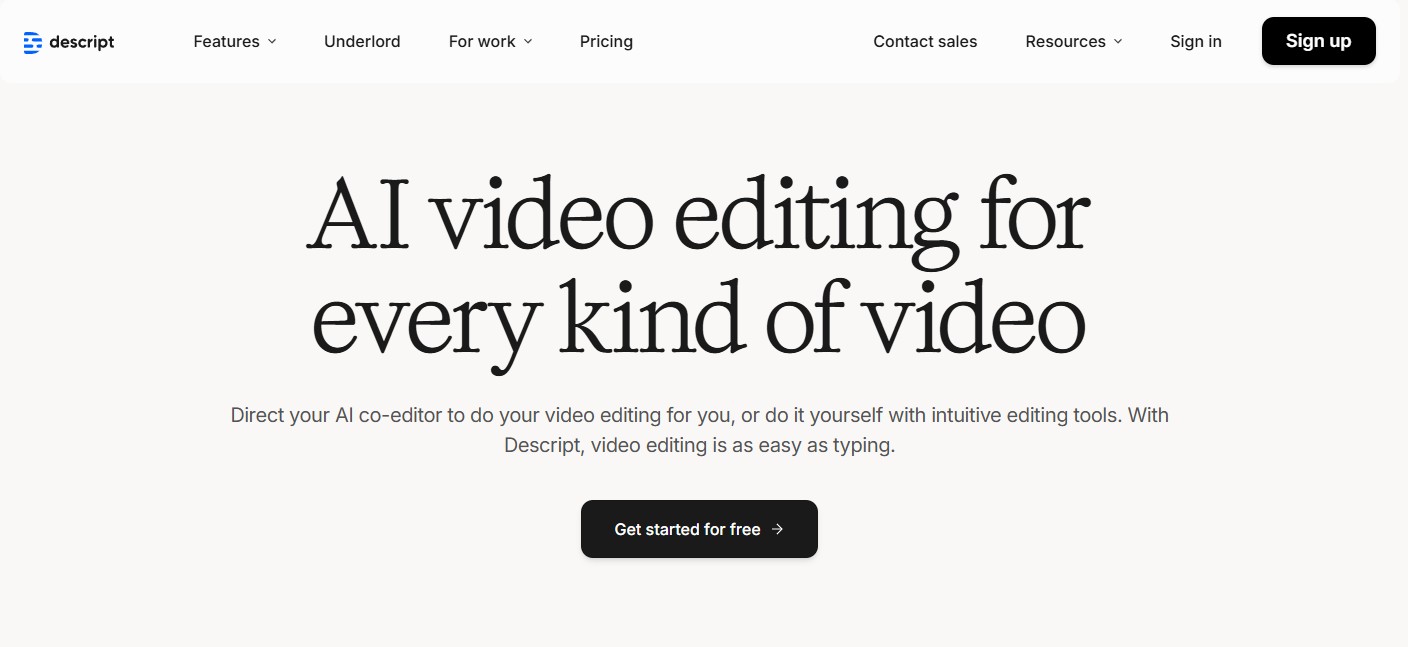
Best for: YouTubers, podcasters, and educators.
Key features:
Overdub AI voice cloning
Multitrack editing
Auto-subtitles and captions
5. Invideo AI
Invideo AI turns text prompts into polished videos with music, transitions, and visuals. You can enter your idea or script, and within minutes, it produces a ready-to-publish video tailored for YouTube, TikTok, or Instagram.
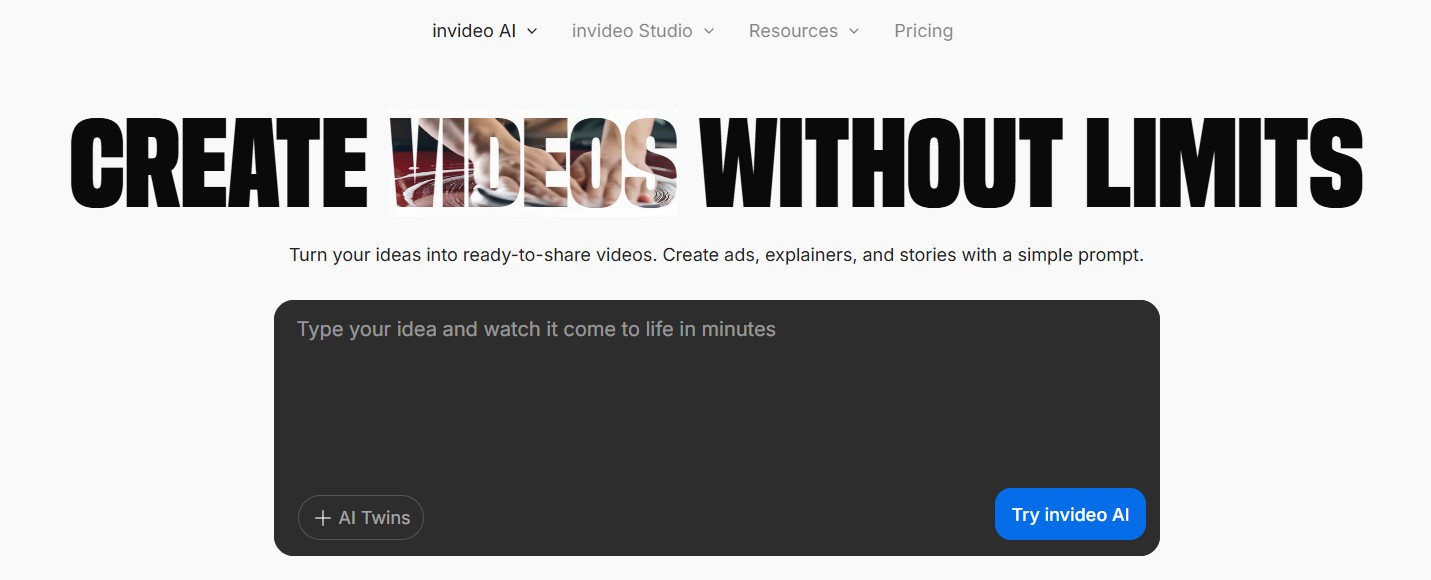
Best for: marketers and social media creators.
Key features:
Text-to-video generation
5000+ templates
Stock footage and voiceovers included
6. HeyGen
HeyGen (formerly Movio) is an all-in-one AI video generator for businesses. It lets you create talking-avatar videos for sales, marketing, or learning content — fast and on-brand.
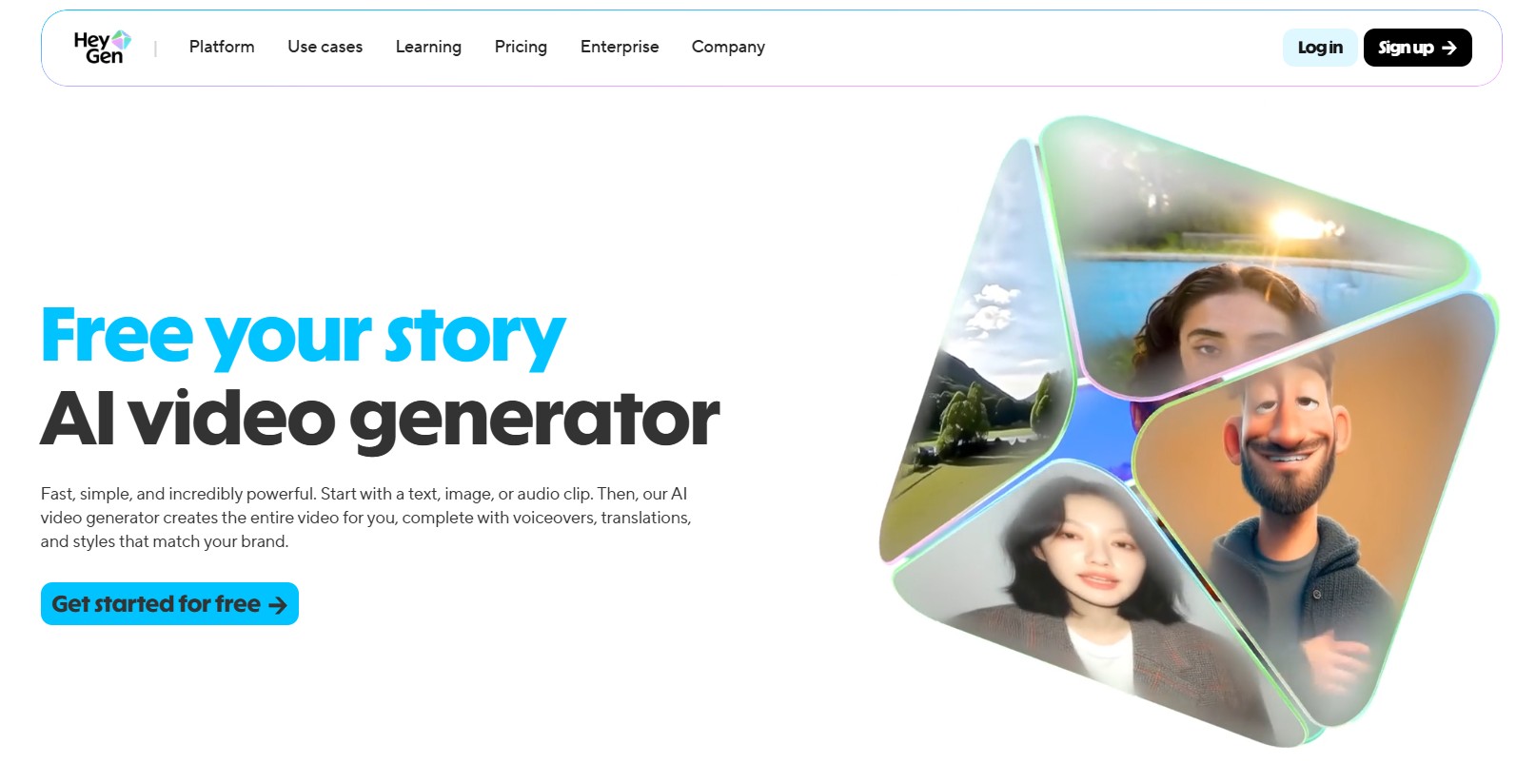
Best for: marketing teams and startups.
Key features:
Realistic avatars and voice sync
Script import and auto-translation
Custom branding and templates
7. VEED.io
VEED.io is one of the easiest AI video editors for beginners. You can trim, subtitle, add music, and even remove background noise automatically. Its online platform works directly in the browser — no installation needed.
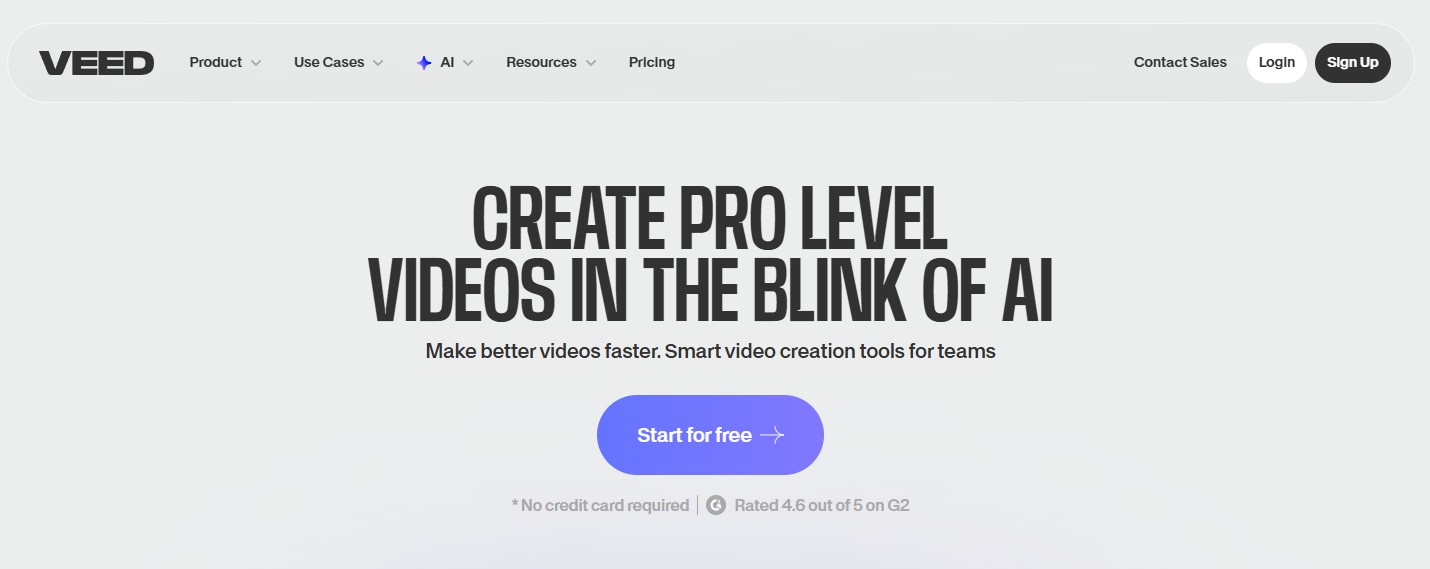
Best for: beginners and quick edits.
Key features:
Auto subtitle generation
AI noise remover
Templates for social media
8. Kaiber
Kaiber turns your imagination into motion. Upload an image or describe your vision, and the AI generates a stunning animated clip in your chosen art style. It’s popular among musicians, digital artists, and visual storytellers.
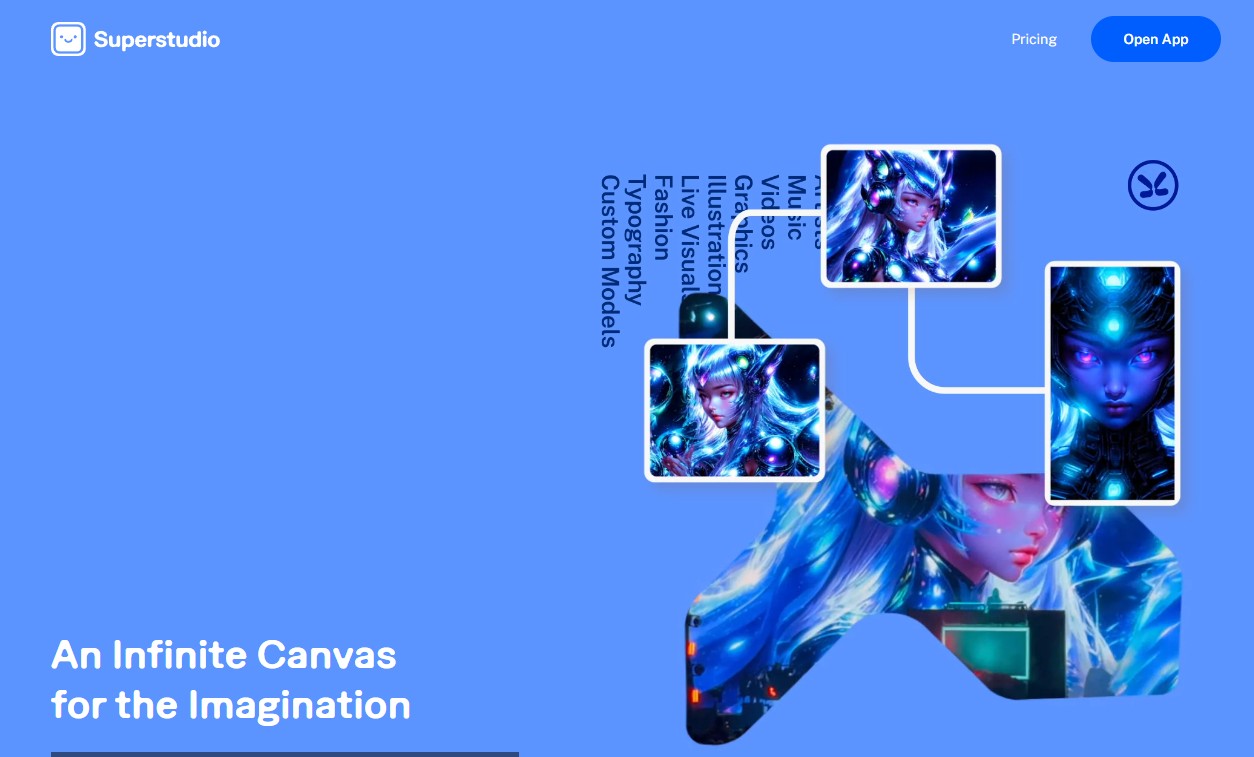
Best for: motion design and creative experimentation.
Key features:
Image-to-video generation
Style control and aspect ratio options
Fast rendering
9. OpusClip
OpusClip automatically transforms long videos into short, viral-ready clips. It uses AI to identify engaging moments, add captions, and reformat the video for TikTok, Reels, or YouTube Shorts.
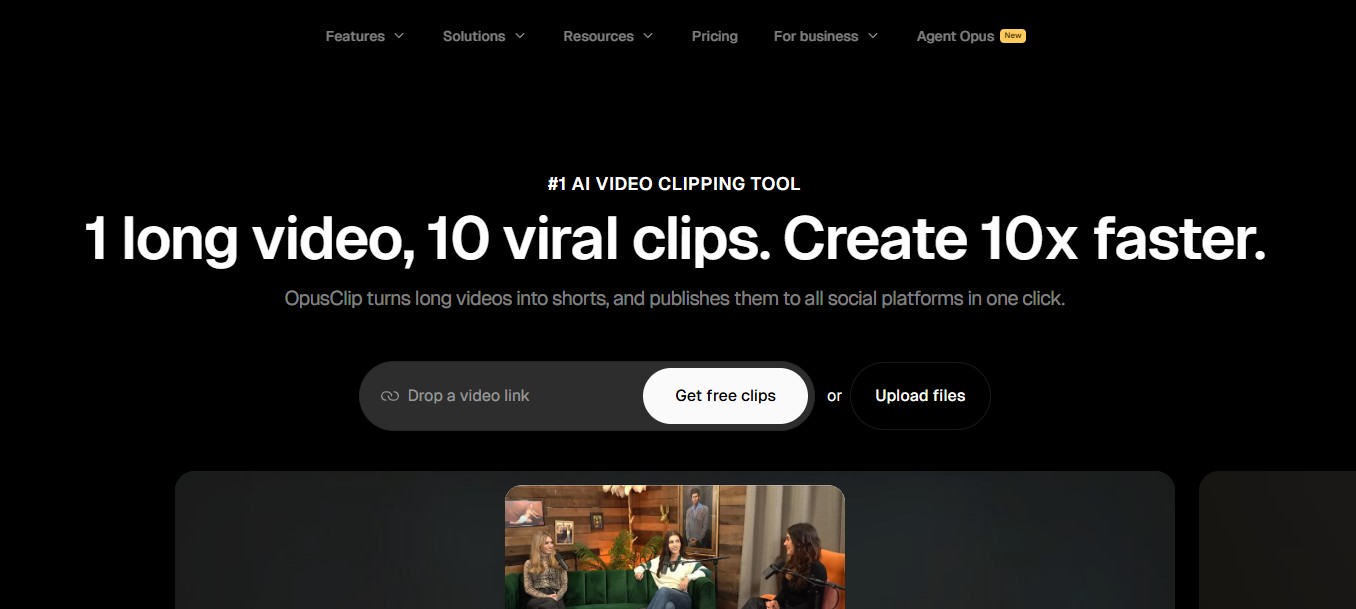
Best for: content repurposing.
Key features:
Smart clip detection
Caption styling and auto-branding
Multi-platform export
Final Thoughts
The era of AI video creation is only just beginning — and these tools are leading the charge. Whether you’re making product demos, educational tutorials, or artistic animations, AI video editors help you work smarter, not harder.
Start experimenting today — the future of creative video production is already here.
Discover more from DesignRise
Subscribe to get the latest posts sent to your email.