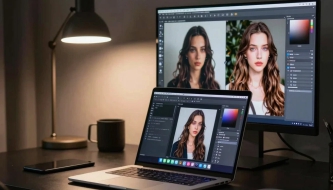






3D illustration has become a major trend in UI design, offering designers a fresh way to make interfaces visually engaging and modern. With the rise of 3D design tools such as Cinema 4D and Blender (which is free!), designers can now create their own custom 3D illustrations, giving them an incredible advantage over static, 2D designs.
The use of 3D illustrations in UI allows designers to craft dynamic and immersive interfaces. These illustrations can be applied in web design, mobile applications, dashboards, and interactive presentations, making user experiences more memorable and visually striking. By learning how to implement 3D assets effectively, UI designers can significantly enhance the professional appeal of their projects.
One of the benefits of 3D illustrations is the ability to control perspective, lighting, and depth, creating a more realistic and engaging visual hierarchy. Whether it’s product mockups, hero images, or abstract UI elements, 3D design can transform a simple interface into a high-impact digital experience. Designers can also use pre-made 3D libraries to save time while maintaining high-quality and consistency in their projects.
Our selection of 12 best 3D illustration libraries is perfect for UI designers looking for ready-to-use 3D assets. These libraries include a wide range of characters, objects, abstract shapes, and scenes, all customizable and compatible with popular design software. Using these libraries, designers can quickly integrate eye-catching 3D visuals into their work without spending hours modeling from scratch.
Whether you are inspired by the works of Peter Tark, one of the most talented 3D illustrators, or exploring your own creative 3D designs, this collection provides essential resources to elevate your UI projects. Embrace 3D illustration, experiment with lighting, shadows, and textures, and give your designs a modern, professional edge that stands out in today’s competitive design landscape.
You May Also Like:
- 13 free Grunge Style Texture sets
- FREE Logo Mockups PSD
- Free Business Card Templates That Impress at First Sight

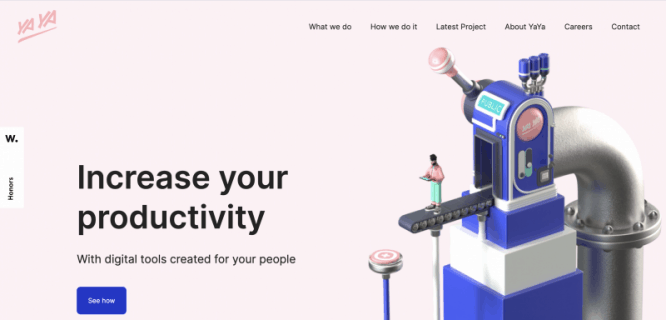
I hate to break it to you, but let’s face it: unless you’re ready to hire a 3D illustrator, creating an illustration won’t be as easy as a mockup in Figma. However, if you’re looking for a turnkey solution to add some sparkle to your UI design, below you’ll find a list of libraries that can help you out.
It’s a mix of free and paid libraries. I’m not affiliated with any of them and I don’t get paid to mention them, it’s just a set of tools I like to use.
1. Characterz ($)
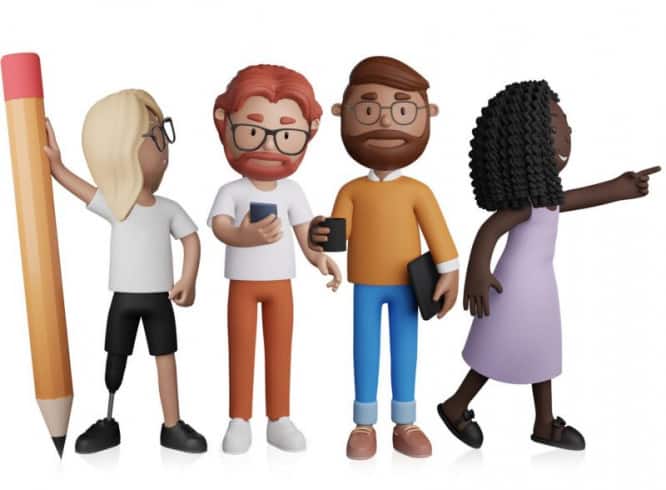
Characterz – another fantastic product ThreeDee. It contains a package Blender to create your own avatars, but you can use ready-made PNG files compatible with Figma, Sketch, Xd, Photoshop and Illustrator. It comes with a user guide unfamiliar with Blender.
2. Vectary plugin for Figma
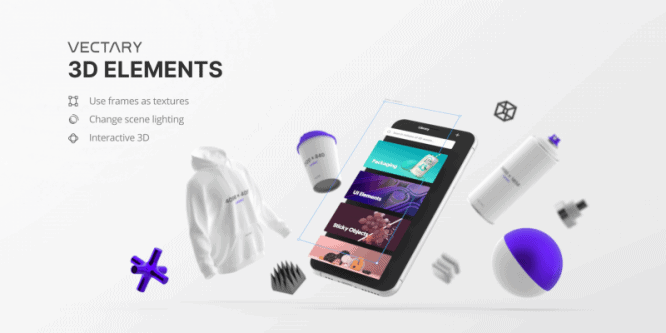
I like the plugin Vectary 3D for the ability to create layouts quickly! With one click you add a Figma frame to your 3D canvas. This plugin offers for free a variety of mockups from cell phone and desktop computers to Apple Watch and t-shirts. Vectary.com will be useful if you are looking for a tool to add 3D to your projects.
3. Best Pixels ($)
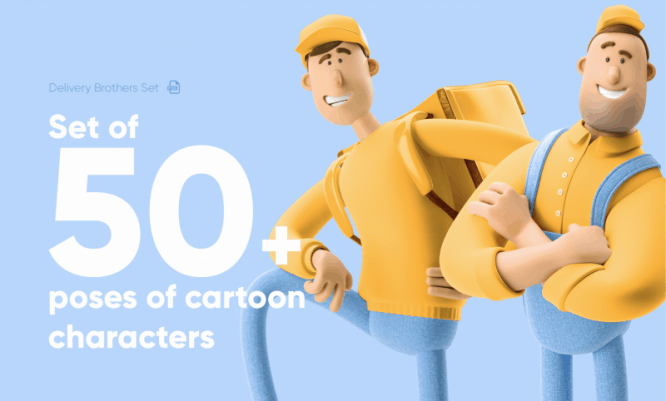
BestPixels offers a large selection of ready-made images sold at the Creative Market. For a Figma fan like me, the only disappointment is that the illustrations come ONLY as a custom Photoshop file, so it’s not good for you if you don’t have a PSD license. A bit of a bummer, but the illustrations are fantastic and can be exported from PSD to PNG for use in Figma.
4. UI8 ($)
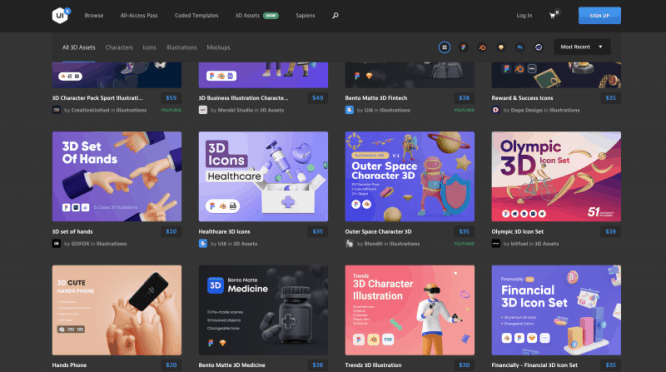
UI8 – Is a marketplace full of resources and UI design kits. New 3D раздел Contains fantastic resources for 3D design on a variety of topics. If you are looking for a specific theme, this is the perfect place for you. Most of the kits are compatible with Blender and Figma, but be sure to check them out before purchasing.
5. Toy Faces ($)
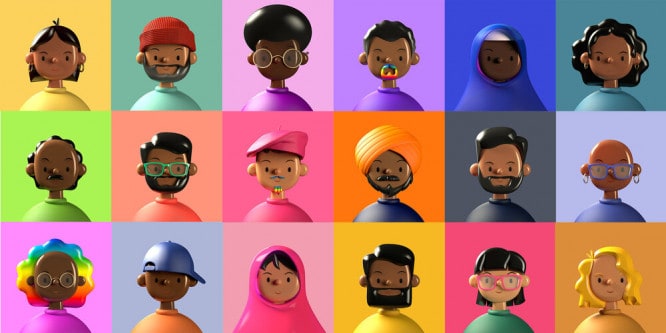
Check out the playful 3D artwork on the website amritpaldesign.com. In the Design Asset section, you can buy different sets like this fantastic collection of toy faces. Download the free demo pack Here
6. SALY — 3D Illustration Pack
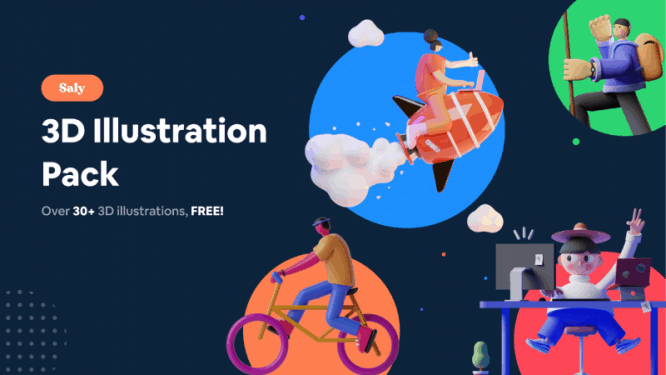
Another treasure from the Figma community page. Try this great free 3D illustration package from Saly. Everything is ready to be used in Figma. However, the illustrations are ready-made PNG files, so you can’t change much in them. Nevertheless, this is a great free set!
7. FALL GUYS

Okay, maybe monsters aren’t your typical business case, however they are incredibly cute, plus they’re free, so you might want to try using them. Fall Guys ready to be used in Figma. And you can customize them!
8. Handy Hand’s
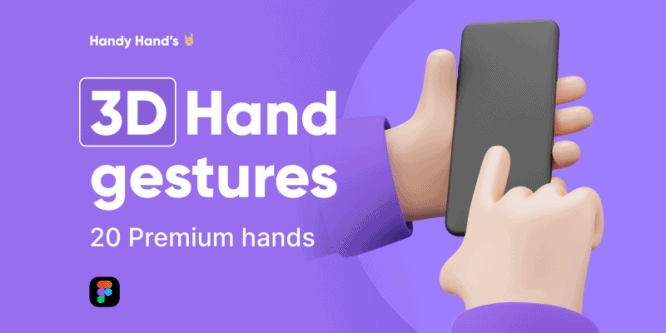
v 3D Hand gestures,Containing 20 premium hand images. They are customized so you can tweak the color in Figma to match your brand. A simple but nice touch to your usual mocaps.
9. Hanz ($, but there’s a free trial)
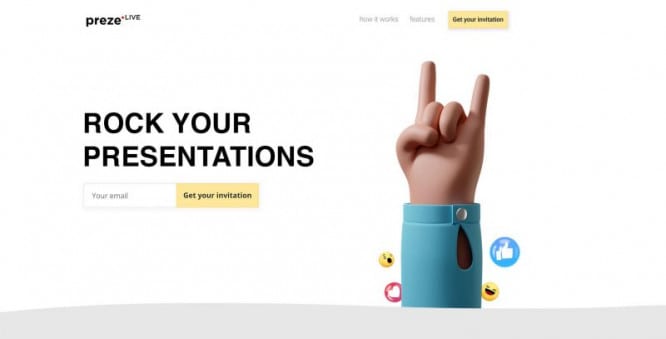
If you like the idea of 3D illustrations but need more, there’s another great set from ThreeDee. Handz contains the Blender package to create your own illustrations, but you can also use ready-made PNG files compatible with Figma, Sketch, Xd, Photoshop and Illustrator. Download the free trial version Here.
10. 3ddd ($, but there’s a free trial)
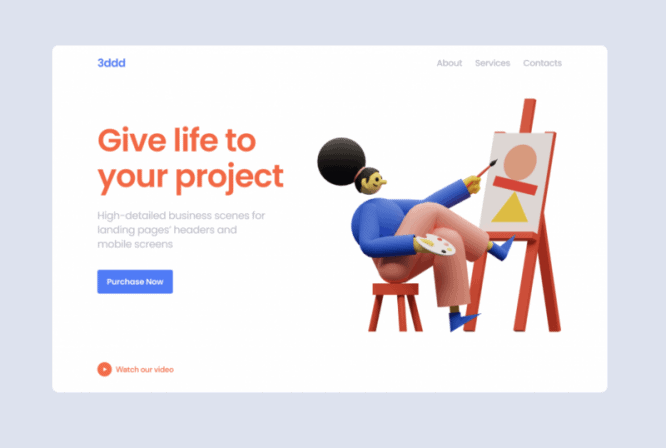
3ddd offers a set of colorful and playful characters for web and app design. You can try the free demo version. It’s not the most extensive library, but if you’re looking for simple characters, it might be a good fit for you.
11. Kukla Kit ($, but there’s a free trial)

Kukla Kit – эa comprehensive set of customizable 3D illustrations for presentations, applications and websites. Compatibility with Blender and Figma makes it indispensable. You can download a free trial version Here.
12. Stock Images ($)
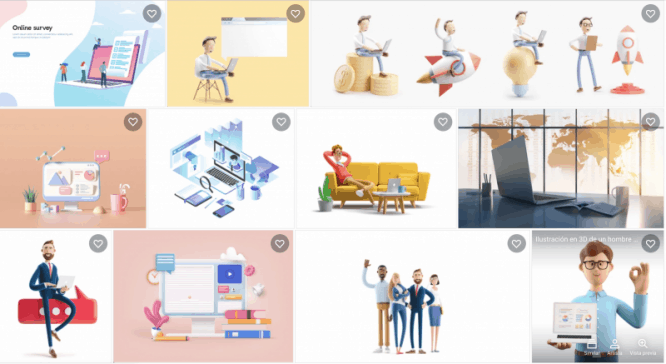
You can actually buy decent images on sites like. Shutterstock, AdobeStock or Creative Market. You won’t be able to customize them much, but if you’re looking for a beautiful intro image for your website in high quality, this might be the perfect solution. Check out the artwork Rinat Khairitdinov и StockStyle.
Discover more from DesignRise
Subscribe to get the latest posts sent to your email.