




Job interviews can feel intimidating — even for experienced designers. Portfolio reviews, technical questions, whiteboard exercises, culture fit… there’s a lot to prepare for.
But here’s the good news: AI can become your personal interview coach, research assistant, portfolio editor, and confidence booster. Whether you’re a UI/UX designer, graphic designer, or digital illustrator, smart use of AI tools can help you stand out and perform like a pro.
Let’s explore exactly how designers can use AI to crush their next job interview.
You May Also Like:
- Best AI Mockup Tools & Generators for Designers
- Best GPT-Powered Tools to Boost Your ChatGPT Experience
- Top AI Photo Editing Tools Designers Can’t Live Without
Why AI Matters in the Interview Process
Design interviews often require:
Presenting your portfolio clearly
Demonstrating problem-solving skills
Showing up confident and structured
Understanding the company and product
Communicating design decisions
AI can help with all of this — and more.
Instead of preparing blindly, you can use AI to simulate interviews, analyze job descriptions, refine your talking points, and create polished presentation materials.
1. Use AI to Understand the Job Description Better
One of the biggest mistakes designers make is not fully understanding what the hiring team is actually looking for.
Tools like ChatGPT, Claude, and Perplexity AI can analyze job descriptions and extract:
Required skills
Hidden expectations
Keywords the recruiter wants to hear
Tools and methods to emphasize
Suggested portfolio case studies
Pro Tip: Paste the job description and ask:
“Summarize what this company values most in a designer and how I should position myself during the interview.”
This instantly gives you a personalized preparation roadmap.
2. Use AI to Improve Your Portfolio Storytelling
A design interview is not just about visuals — it’s about how you talk through your work.
AI tools like Notion AI or Jasper can help you rewrite and improve your case study narratives:
Clarify your problem statements
Strengthen your UX reasoning
Improve flow and readability
Highlight business impact
Remove irrelevant details
You can even ask AI to rewrite your case study in a more professional, friendly, or story-driven tone.
3. Generate Interview Practice Questions with AI
Design interviews are full of tricky questions like:
“Tell me about a design challenge you solved.”
“What’s your design process?”
“How do you respond to negative feedback?”
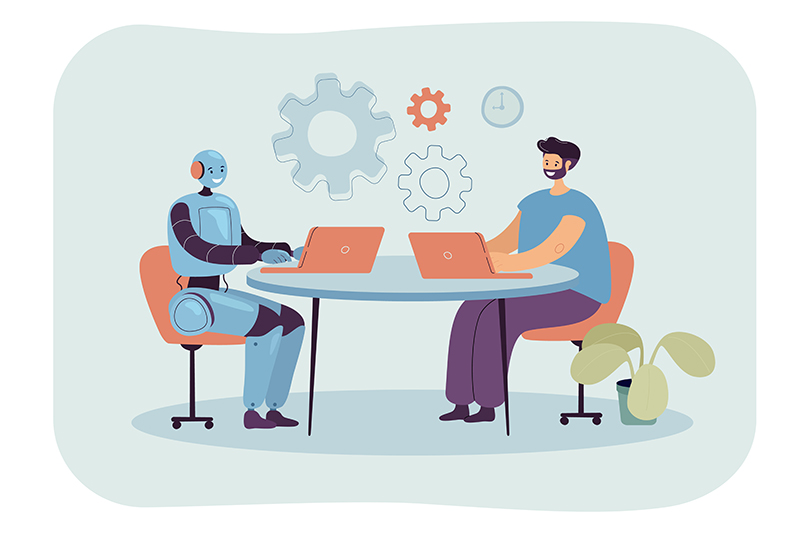
Tools like ChatGPT or VoxScript AI can simulate a realistic design interview, asking you questions and giving you feedback on your responses.
Try prompts such as:
“Act as a senior design manager interviewing me for a UI/UX role. Ask tough questions and assess my answers.”
“Give me 10 behavioral questions companies ask designers.”
The more you practice, the more natural you’ll sound.
4. Use AI to Prepare Your Portfolio Presentation

Tools like Gamma AI and Canva AI can help you create beautiful slide decks quickly.
You can generate:
Slide outlines
Data visualizations
Color palettes
Graphics and flow diagrams
Process illustrations
A polished presentation can instantly impress a hiring team.
5. Use AI to Research the Company Faster

Before an interview, you should know:
Their design style
Their products
Their user base
Their competitors
Their visual language
AI tools like Perplexity AI can scan the web and summarize everything:
Company mission
Recent news
Brand identity
Team structure
Industry trends
This gives you an edge — most candidates don’t prepare this deeply.
6. Improve Your Verbal Communication Using AI
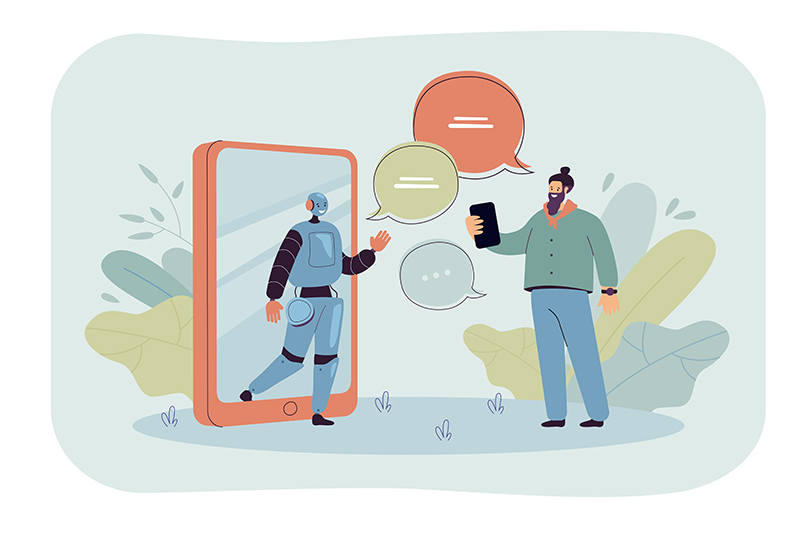
If English is not your first language (or if you simply want to sound more confident), AI tools like QuillBot and ElevenLabs can help improve:
Speech clarity
Interview phrasing
Vocabulary
Overall tone
You can even record yourself answering questions and ask AI for suggestions.
7. Use AI to Create a Strong Follow-Up Email
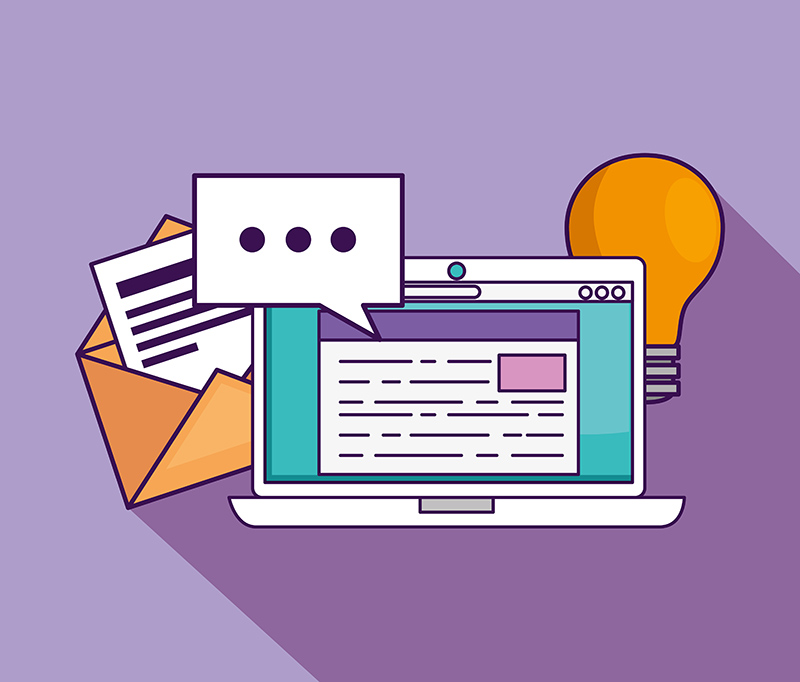
A well-crafted follow-up email can boost your chances of getting hired.
AI can help you write:
A polite thank-you message
A reinforced value statement
A link to additional portfolio work
Ask AI:
“Write a warm, professional follow-up email after a design interview, highlighting collaboration and user experience strengths.”
Final Thoughts
AI isn’t here to replace designers — it’s here to empower them.
By using AI smartly, you can:
Prepare better
Communicate more clearly
Showcase your strengths
Reduce stress
Stand out among other candidates
Interviews don’t have to feel overwhelming. With the right AI tools, you’ll walk in confident, prepared, and ready to shine.
Discover more from DesignRise
Subscribe to get the latest posts sent to your email.