







Creating professional presentations used to take hours — now it takes minutes.
Thanks to AI-powered presentation makers, designers, marketers, and entrepreneurs can instantly generate visually stunning slides, complete with layouts, imagery, and copywriting suggestions.
In this article, we’ll explore the best AI presentation tools in 2026 that help you design faster, communicate better, and impress your audience — whether it’s for a pitch deck, client presentation, or classroom project.
You May Also Like:
- Best AI Mockup Tools & Generators for Designers
- Free Cool Fonts for Unique and Creative designs
- 10 AI Tools Every Designer Should Try in 2026
1. Tome.app — AI Storytelling for Presentations
Tome is one of the most powerful AI presentation makers available today. It uses GPT-4 and advanced design algorithms to generate entire slide decks from a short text prompt.
You can write “Create a 10-slide presentation about brand identity” — and Tome will instantly design it with smart layouts, visuals, and headlines.
Best for: Creative professionals and startup founders
Highlights:
- AI-powered storytelling flow
- Stunning templates and visuals
- Integration with Figma and Notion
- Real-time team collaboration
Free plan available with premium upgrades.
2. Beautiful.ai — Smart Design Automation
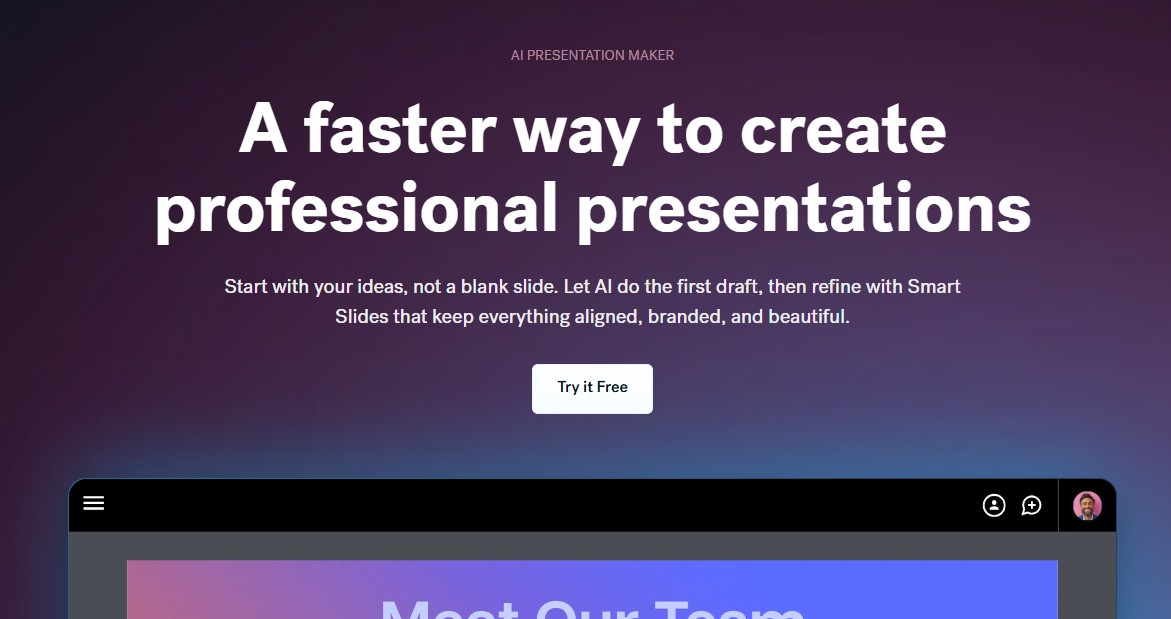
Beautiful.ai is an established favorite among designers and marketing teams. Its AI-driven layout engine automatically adjusts design elements so everything looks balanced and professional.
Best for: Designers and marketing teams
Highlights:
- Smart slide formatting
- Pre-designed templates
- Brand kit support
- Analytics to measure engagement
If you value clean design and consistency — Beautiful.ai is your go-to tool.
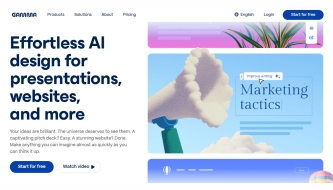
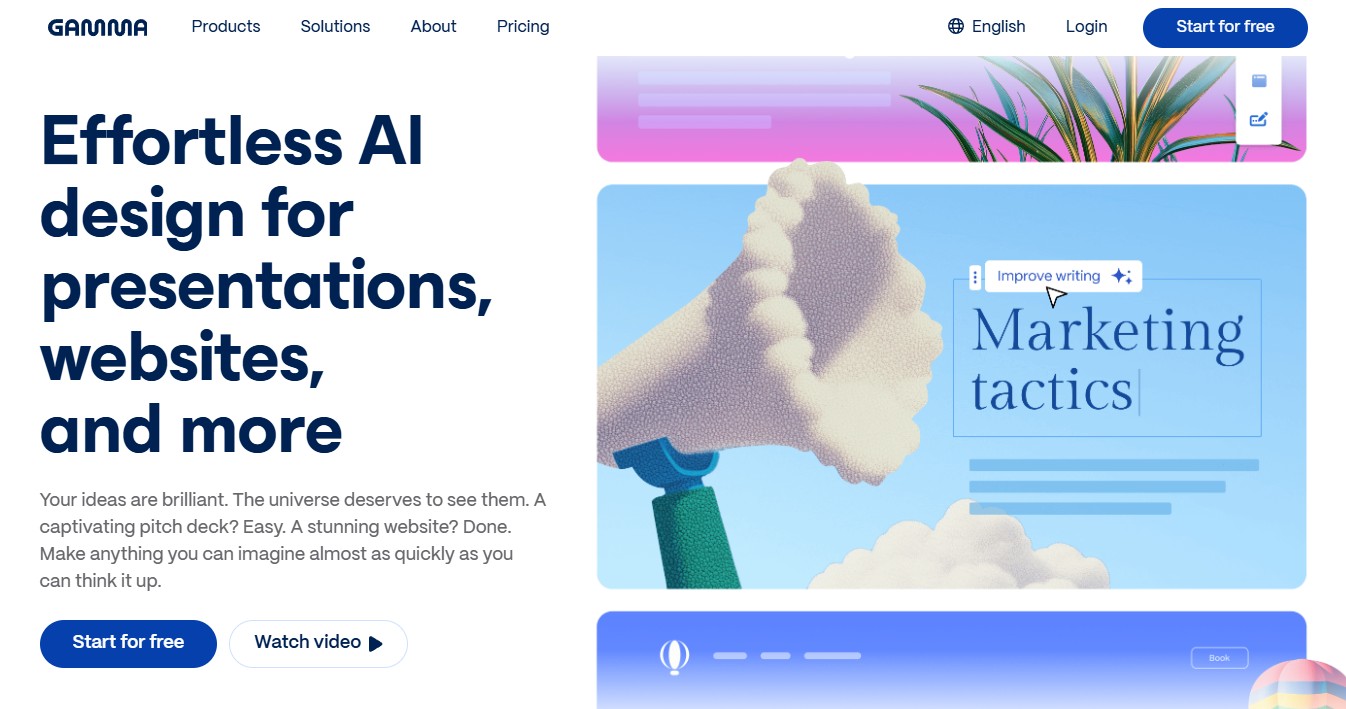
3. Gamma.app — AI Presentations That Feel Effortless
Gamma makes presentation creation feel like writing a story. Simply type your content, and Gamma turns it into an interactive deck — complete with animations and layouts optimized for readability.
Best for: Writers, educators, and digital creators
Highlights:
- Instant slide generation
- Live collaboration tools
- Embeddable interactive decks
- Custom branding features
Perfect for professionals who want a sleek, no-fuss workflow.
4. Canva Magic Design — AI Creativity for Everyone
Canva’s Magic Design suite brings AI to the masses. You can upload a brief, image, or idea — and Canva will suggest complete presentation templates, visuals, and matching colors instantly.
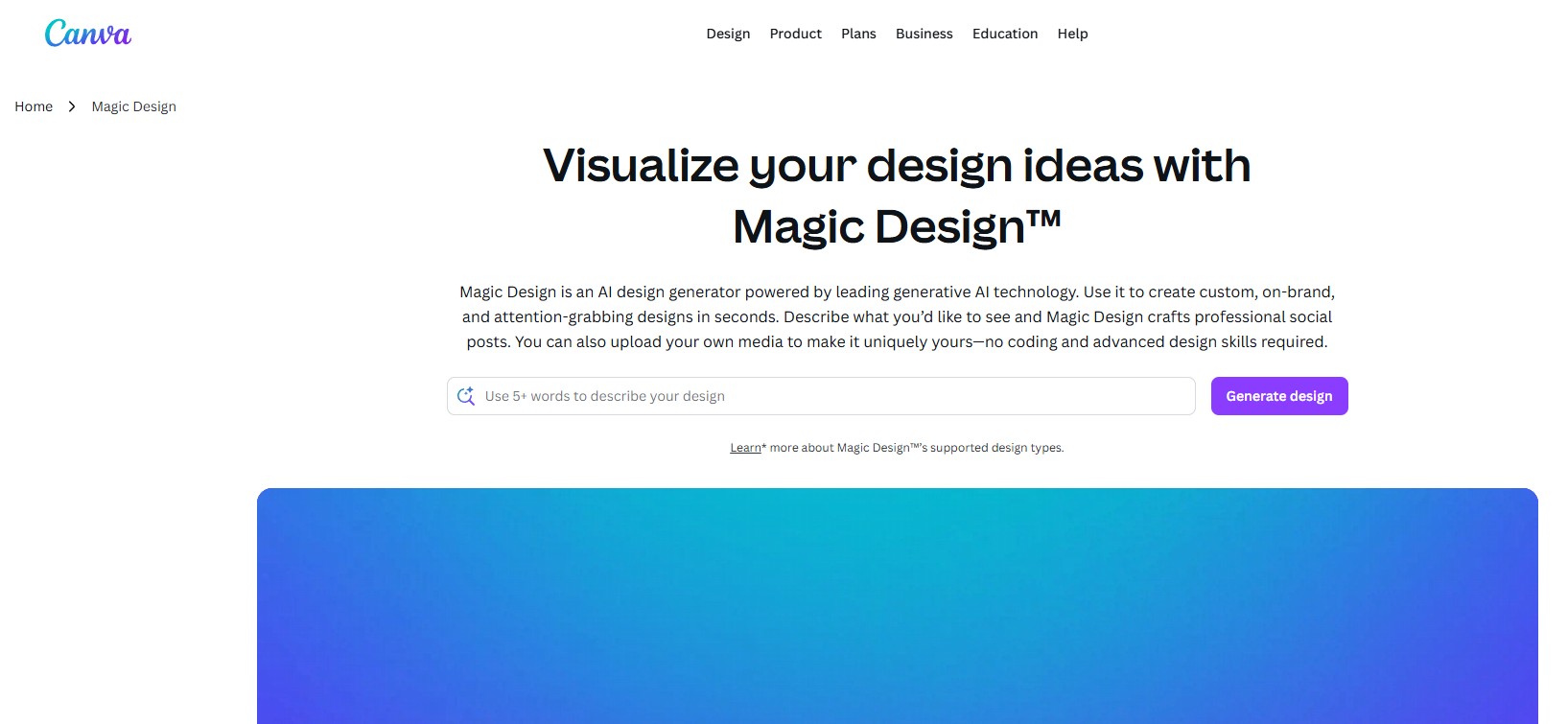
Best for: Beginners and teams
Highlights:
- AI text-to-presentation generator
- Stock images and icons included
- Team collaboration
- Export to PowerPoint or PDF
An all-in-one solution for both casual users and professionals.
5. Simplified.com — Design, Write, and Present with AI
Simplified combines AI content creation with presentation design tools — ideal for social media teams or freelancers who need speed and automation.
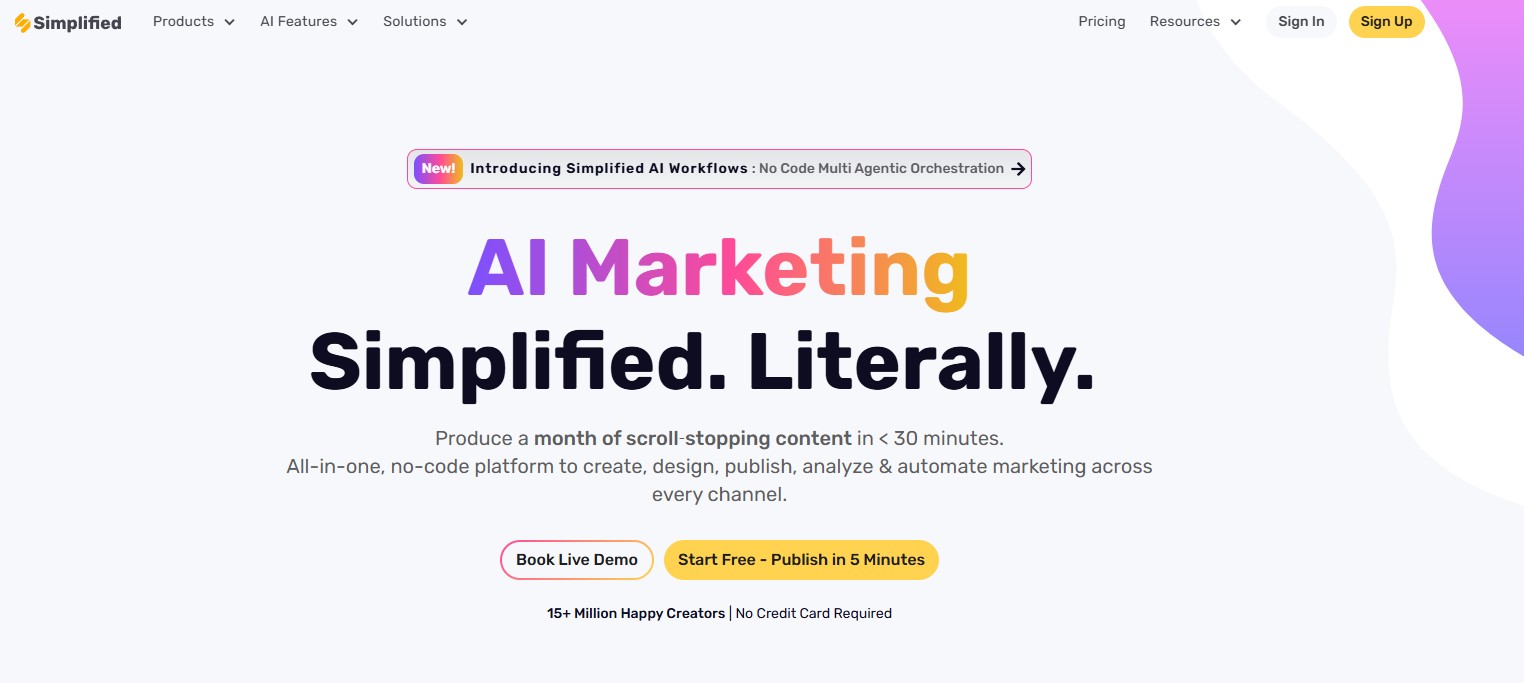
Best for: Social media marketers and freelancers
Highlights:
- AI copywriter + design combo
- 1000+ customizable templates
- Real-time collaboration
- Brand kit for consistent visuals
Everything happens in one browser tab — no need to switch tools.
6. Visme AI — Enterprise-Level Visuals, AI-Powered
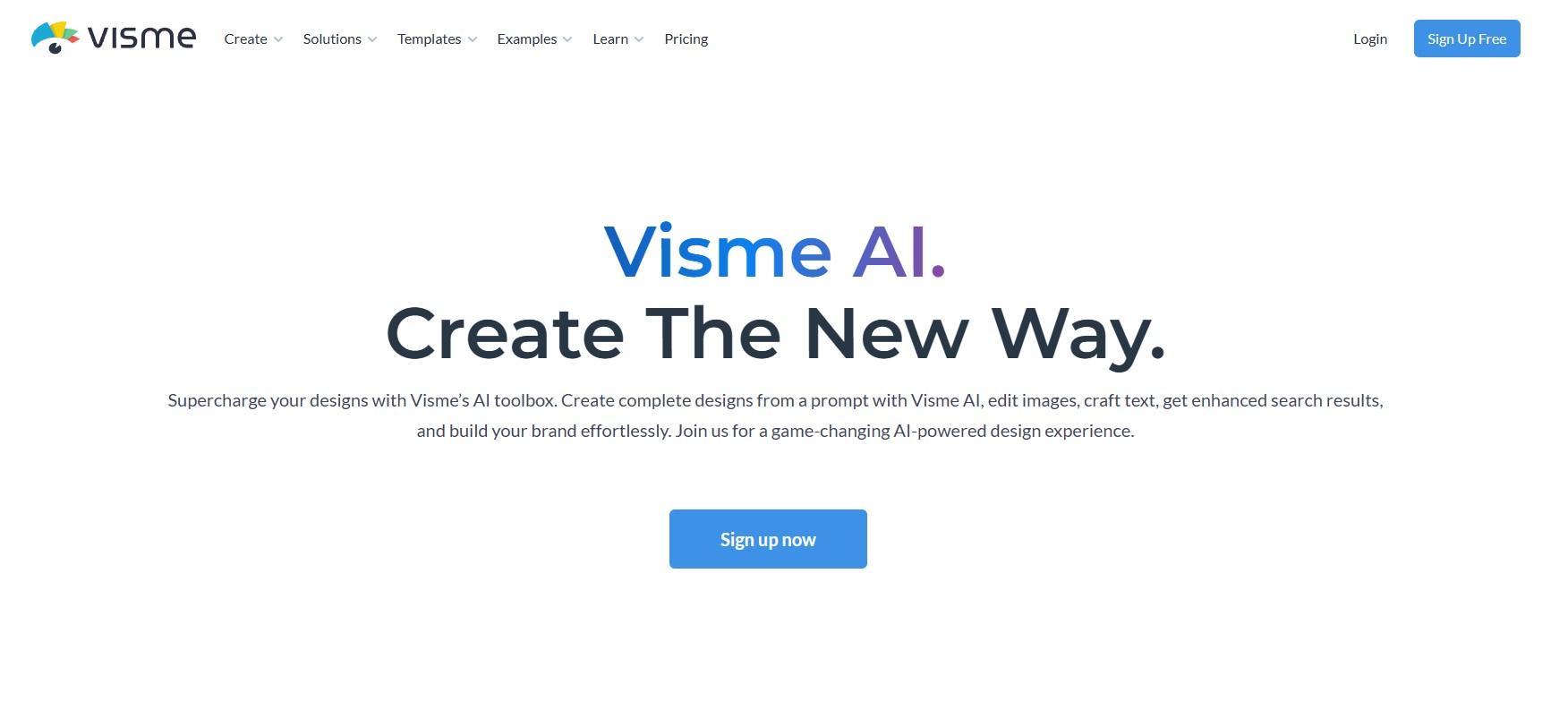
Visme AI brings artificial intelligence into every stage of presentation design — from generating slides to visualizing data beautifully.
Its AI Presentation Maker can build an entire deck from your text prompt, while the AI Content Generator helps create infographics, charts, and branded assets.
Best for: Corporate teams, educators, and marketers
Highlights:
- AI-powered slides and content creation
- Interactive infographics and data visuals
- Brand kit management
- Multiple export formats
A professional-grade tool for teams who want both creativity and precision.
7. Pitch AI — Collaborative Presentations for Teams
Pitch AI turns your ideas into dynamic slides built for teamwork. It combines intuitive design tools with AI suggestions for text, layout, and visuals.

Best for: Teams and startups
Highlights:
- AI slide creation
- Real-time collaboration
- Version history
- Integrations with Slack, Notion, and Google Drive
Perfect for remote teams that value creativity and speed.
8. Decktopus AI — Instant Presentation Generator
Decktopus AI helps you create professional presentations instantly — just describe your topic, and it generates titles, structure, and slide text for you.
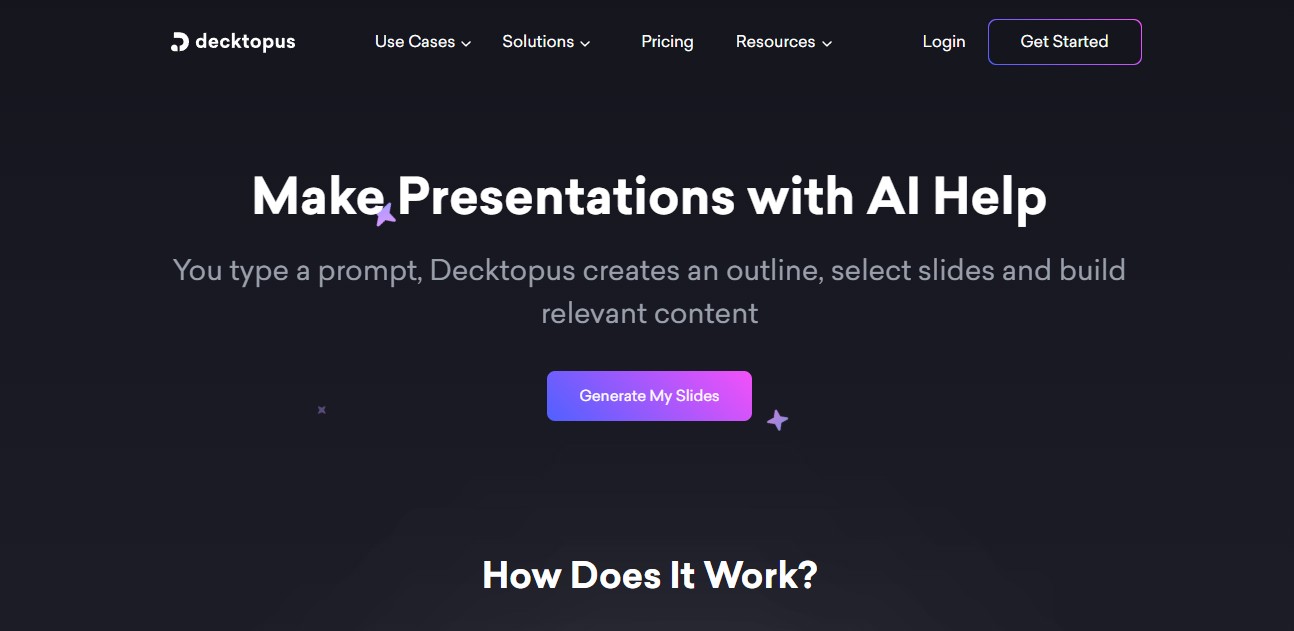
Best for: Business professionals and educators
Highlights:
- Text-to-presentation
- Design and content suggestions
- Export to PPT or PDF
- Built-in speaker notes
A fast, intuitive choice for non-designers.
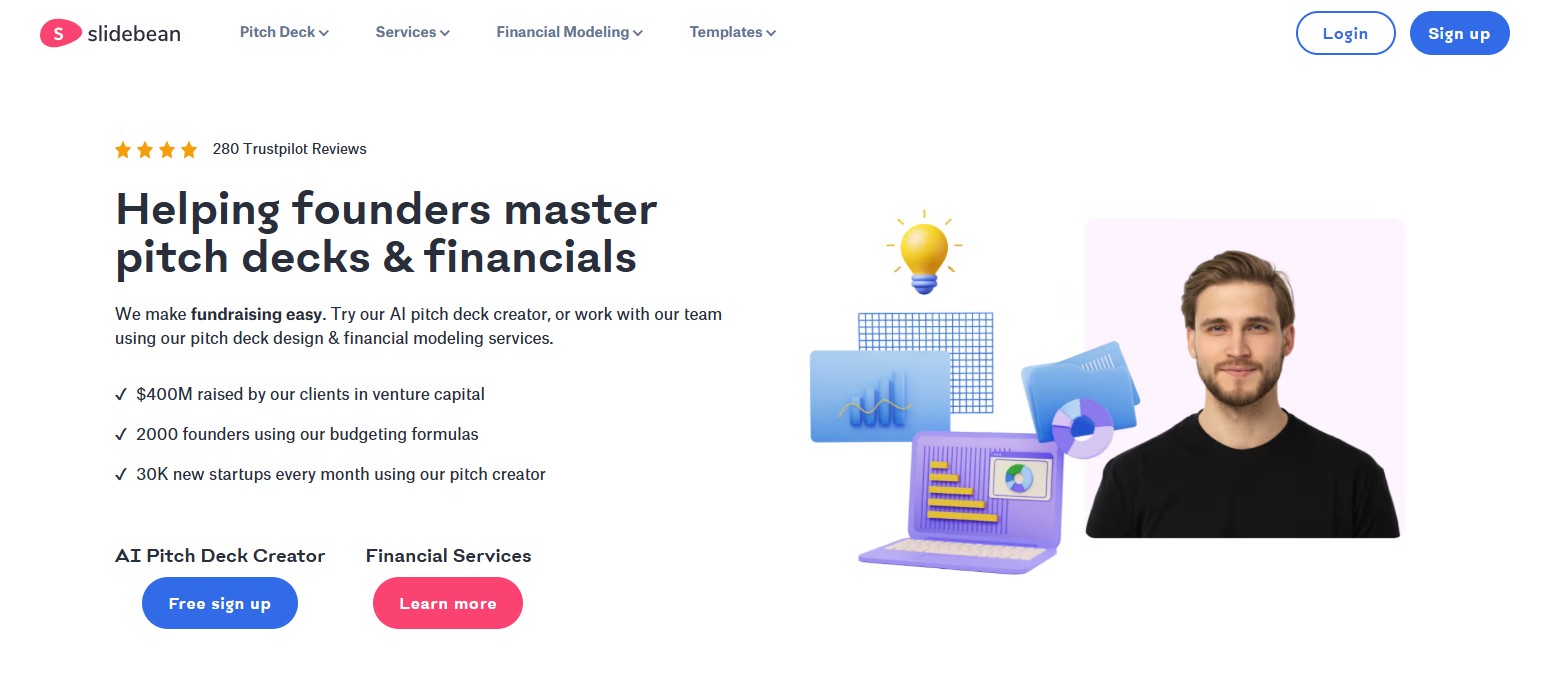
9. Slidebean — AI Pitch Deck Builder
Slidebean uses AI to build startup pitch decks that investors love. You provide your business info — it creates design, content flow, and even financial visuals.
Best for: Entrepreneurs and startups
Highlights:
- AI pitch deck design
- Financial slides generator
- Brand customization
- Expert presentation feedback
A must-have for anyone preparing to pitch an idea.
10. Slidesgo AI — Creative Templates with AI Boost
Slidesgo AI is perfect for designers who want stylish templates enhanced with AI-generated layouts and text. It’s a mix of beauty and efficiency.

Best for: Educators, students, designers
Highlights:
- AI-assisted slide creation
- 1000+ creative templates
- Easy customization
- Free and premium plans
An ideal choice for presentations that need visual flair and speed.
Conclusion
AI isn’t replacing presentation designers — it’s empowering them.
From Tome’s storytelling engine to Canva’s Magic Design, these tools help you create stunning decks faster, collaborate smarter, and focus on your message — not your formatting.
Whether you’re pitching a client, launching a product, or teaching online — these AI presentation makers will help you stand out in 2026 and beyond.
Discover more from DesignRise
Subscribe to get the latest posts sent to your email.